Locking funds in the contract
In the root folder of matching create a file called “match_lock.html”. This is where is are going to lock the funds in the contract. Then we must create our simple interface.
Click here to get the CSS file (style.css) in the GitHub account
<!DOCTYPE html>
<html lang="en">
<head>
    <meta charset="UTF-8">
    <meta name="viewport" content="width=device-width, initial-scale=1.0">
    <title>Document</title>
    <link rel="stylesheet" href="Style.css">

</head>
<body>
  <div class="head">
    <img src="coxygen.png">
    <h1>Lock Ada in smart contract Demo</h1>
</div>

    <div class="form">
      <h1>Lock ada </h1>
      <div id="msg"></div>
    <div class="input">
      <label>Amount Ada</label>
      <input type="text" id="ada" placeholder="Please enter ada">
    </div>
    <div class="input">
      <label>destination address</label>
      <input type="text" id="address" placeholder="Please enter destination address">
    </div>
    <div class="input">
      <label>Secrete code</label>
        <input type="text" id="password" placeholder="Please enter Secrete code">
      </div>

    <div id="button">
      <button id="lock">Lock ada</button>
    </div>

    <a href="#" id="txHash"></a>

    <p id="Tokens">Written by: Banele Nhlapo</p>
  </div>
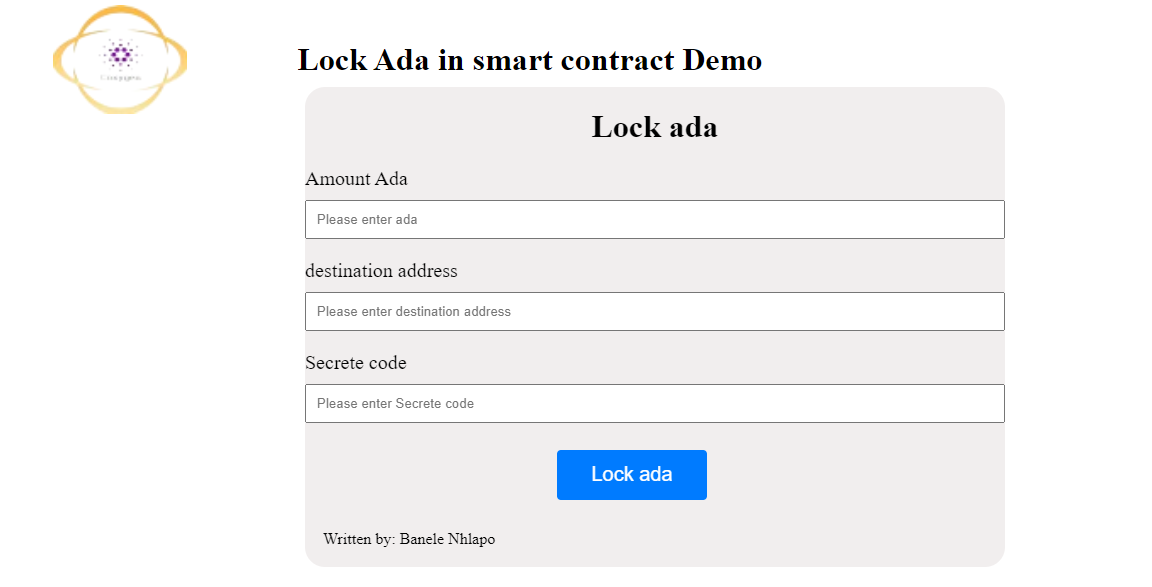
The next thing is to import lucid from the web
    <script type="module">

        const lockfund=document.getElementById("lock");
        const lockada=document.getElementById("ada");
        const msg=document.getElementById("msg");
        const address=document.getElementById("address");
        const password=document.getElementById("password");
       const  transactionId= document.getElementById("txHash")


      import {
          Blockfrost,
          C,
          Constr,
          Data,
          Lucid,
          fromHex,
          toHex,
          utf8ToHex,

        }  from "https://unpkg.com/lucid-cardano@0.8.3/web/mod.js"
        import * as cbor from "https://deno.land/x/cbor@v1.4.1/index.js";
Next, we'll need to read the validator from the blueprint (plutus.json) we generated earlier. We'll also need to convert it to a format that Lucid understands. This is done by serializing the validator and then converting it to a hexadecimal text string as shown below:
  async function fetchValidatorData(){
        const response =await fetch("plutus.json");
        return await response.text();
      }

      async function readValidator(){
        const validatorData= await fetchValidatorData();
        const validator= JSON.parse(validatorData).validators[0];
        return {
            type:"PlutusV2",
            script:toHex(cbor.encode(fromHex(validator.compiledCode))),
        };
      }

      const validator=await readValidator();
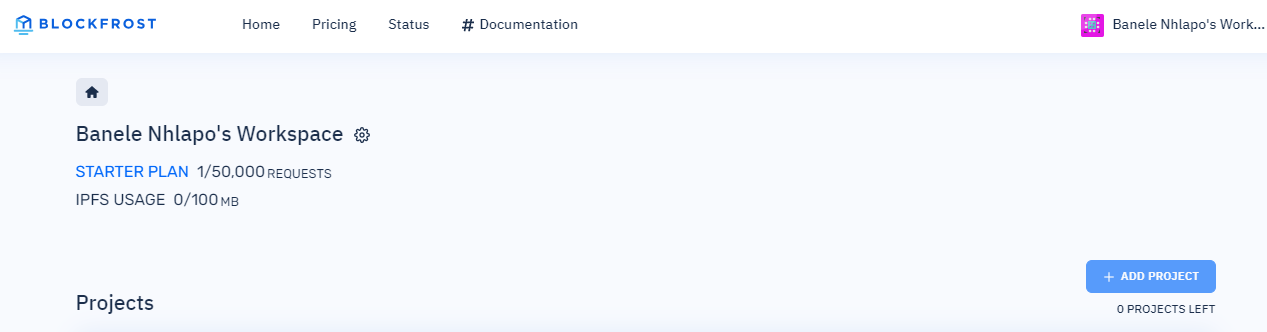
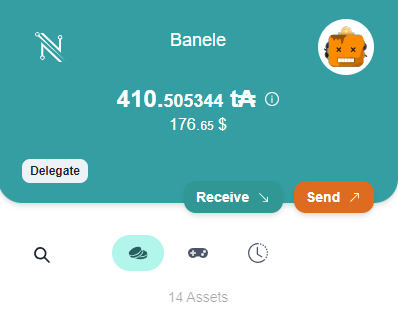
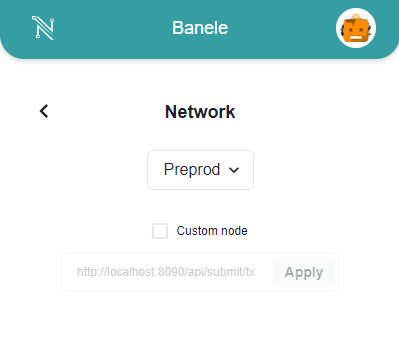
Now, let us define our function, set up our Blockfrost API, and connect to the wallet. We will be using Nami Wallet for this. If you haven’t installed go ahead and install it and set your network to preprod and then get some test ADA.
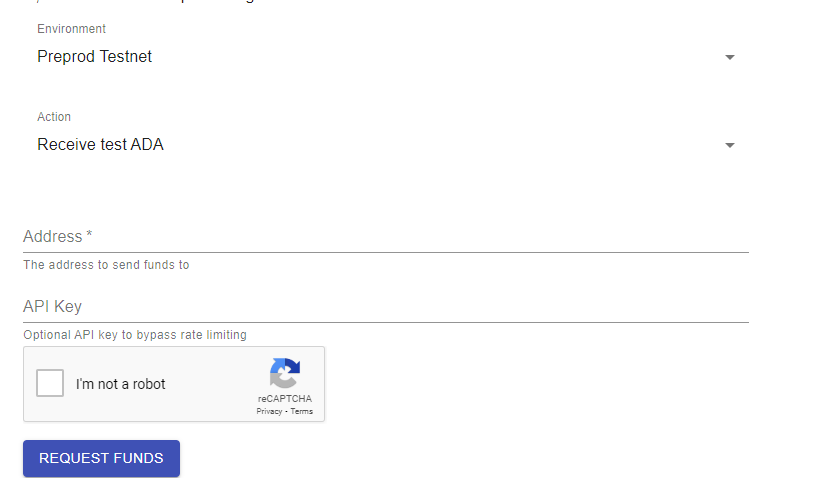
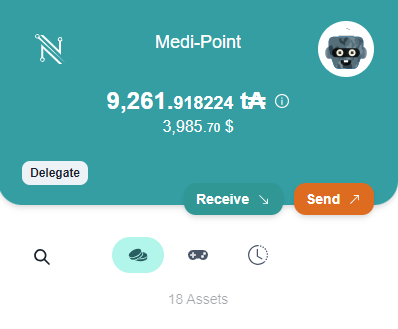
You will need two accounts in your wallet to make the transaction. The first one will be loaded with the test ADA and used to lock the ADA. The second will be used to redeem the ADA. Both accounts are set to prepod.
 async function lock1(){
        const fileName = 'blockfrost.txt'; // Specify the file name here
       const response = await fetch(fileName);
       if (!response.ok) {
       throw new Error('Network response was not ok');
          }
          const blockfrostAPI= await response.text();

   const lucid = await Lucid.new(
       new Blockfrost(
      "https://cardano-preprod.blockfrost.io/api/v0",
       blockfrostAPI // Use the fetched data to initialize Lucid
       ) ,
       "Preprod"
        );

        const api = await window.cardano.nami.enable();
      lucid.selectWallet(api);
Notice that I am fetching my blockfrost ID from the ‘blockfrost.txt’ text file., go ahead and create the file and paste your blockfrost ID there.
Next, we will be setting all of our values and sending them to the contract.
const lovelaceInput= lockada.value.trim();
        const destinationAddress=address.value.trim();
        const password1=password.value.trim();

        if(!lovelaceInput){
            msg.innerHTML="please enter ada amount";
            return;
        }

        if(!destinationAddress){
            msg.innerHTML="please enter address";
            return;
        }

        if(!password1){
            msg.innerHTML="please enter password";
            return;
        }

        const lovelace=parseInt(lovelaceInput,10);

        const adaAmount= lovelace * 1000000;

        const ownerPublicKeyHash=(await lucid.utils.getAddressDetails(await lucid.wallet.address())).paymentCredential.hash;

        const beneficiaryPublicKeyHash=(await lucid.utils.getAddressDetails(destinationAddress)).paymentCredential.hash;

        const Datum=Data.Object({
            owner: Data.String,
            beneficiary: Data.String,
            password: Data.String,
        });

        const datum=Data.to({
            owner:ownerPublicKeyHash,
            beneficiary:beneficiaryPublicKeyHash,
            password:utf8ToHex(password1),
        }, Datum);
Now, let us write the code that will make the transaction.
    try{
            const contractAddress=lucid.utils.validatorToAddress(validator);

      const tx =await lucid
     .newTx()
      .payToContract(contractAddress, {inline:datum}, {lovelace:adaAmount})
        .complete();

        const signedTx=await tx.sign().complete();

         const txLock= signedTx.submit();
            msg.innerHTML="ada locked";

            txLock.then(result => {
  transactionId.innerHTML=`transactionId: <br>${result}`;
  transactionId.href=`https://preprod.cardanoscan.io/transaction/${result}`;
}).catch(error => {
  console.error(error);
});
        }catch(error){
          console.error(error)
        }
      }


      lockfund.onclick=lock1;


      </script>

</body>
</html>
This code should lock the funds in the contract.
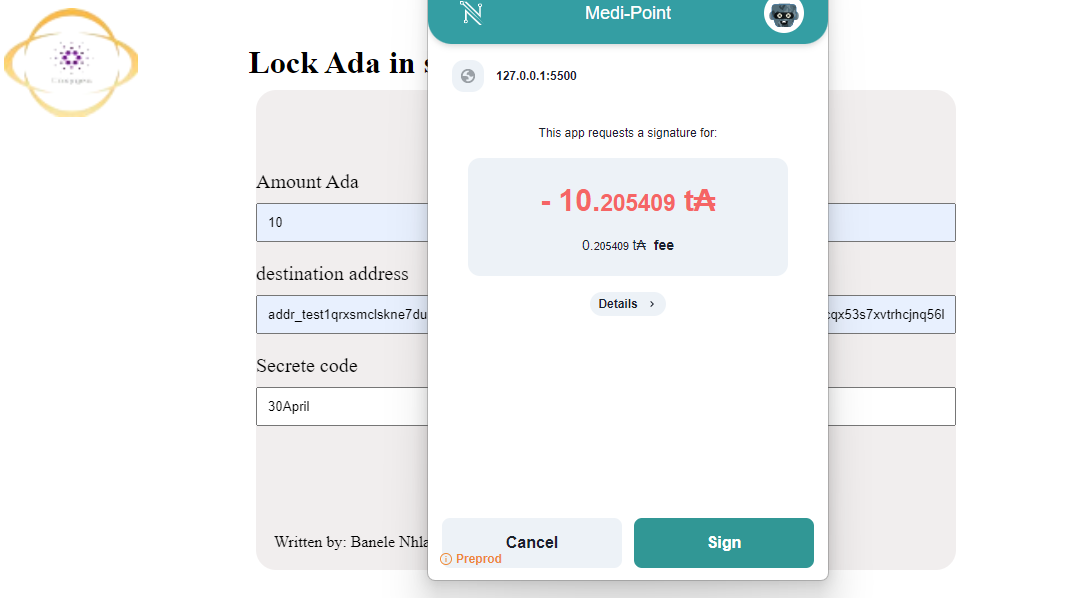
You can inspect the transaction here: cardano scan.
You can copy and paste the transaction ID in the cardano scan website which will be logged once the transaction is successful or you can click on it and it will open the website. Give it some time load.
Written by: Banele Nhlapo
email address: nhlapob78@gmail.com