Transfer ADA
How to transfer Ada from one wallet to another?
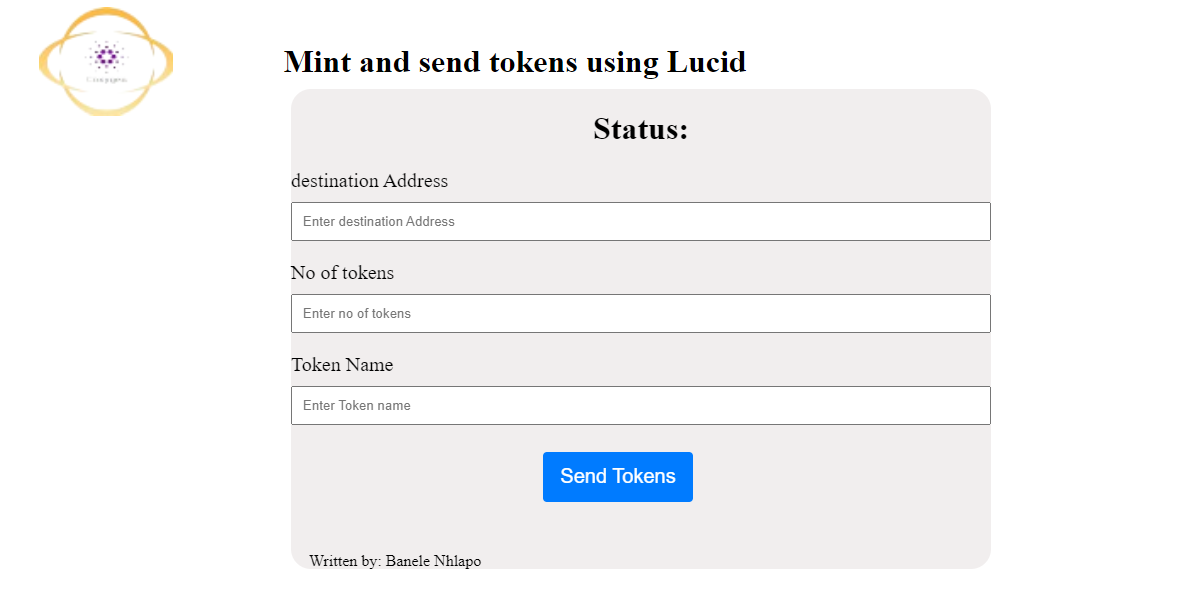
First, we need to create our interface which will have an input field for the destination address, an input field for the Ada amount, and a button to make the transaction.
Click here to get the CSS file (style.css) in the GitHub account
<!DOCTYPE html>
<html lang="en">
<head>
    <meta charset="UTF-8">
    <meta name="viewport" content="width=device-width, initial-scale=1.0">
    <title>Document</title>
    <link rel="stylesheet" href="Style.css">
</head>
<body>
    <div class="head">
        <img src="coxygen.png">
        <h1>Transfer Ada from one wallet to another using Lucid</h1>
    </div>
    <div class="form">
        <h1 id="status">
            Status:
        </h1>

        <div>
            <label for="destinationAddress">Destination Address:</label>
            <input type="text" id="destinationAddress" placeholder="Enter destination address">
        </div>

        <div>
            <label for="ada amount">Amount in ADA:</label>
            <input type="text" id="AdaAmount" placeholder="Enter ADA amount">
        </div>

        <button id="sendButton" >
            Send ADA
        </button>
        <p>Written by: Banele Nhlapo</p>
    </div>
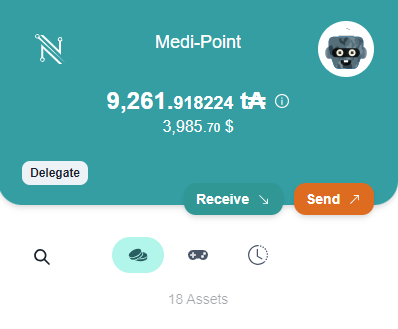
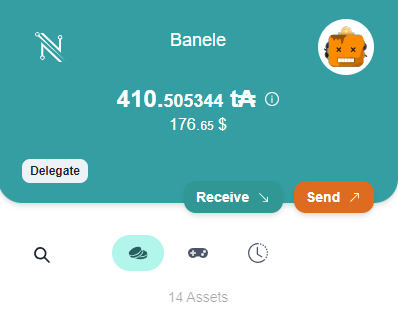
You will need two accounts in your wallet to test the transaction. The first one will be loaded with test ADA. We will be transferring to the second one.Both accounts set to prepod.
Let's go ahead and write our JavaScript.
The next step is to import Lucid from the web and get our elements from HTML.
 <script type="module">
     import { Lucid,Blockfrost,fromText} from "https://unpkg.com/lucid-cardano/web/mod.js"

        const status = document.getElementById('status');
        const sendButton = document.getElementById('sendButton');
        const destinationAddressInput = document.getElementById('destinationAddress');
        const AdaAmount=document.getElementById('AdaAmount');
Let's go ahead and get our Blockfrost API for us to be able to make transactions. Notice that the Blockfrost ID is fetched from a separate file for security purposes. You can go ahead and create the file called “blockfrost.txt” and store your Blockfrost ID there.
  async function sendTransaction() {

            const fileName = 'blockfrost.txt'; // Specify the file name here


            const response = await fetch(fileName);
        if (!response.ok) {
            throw new Error('Network response was not ok');
        }
        const blockfrostAPI = await response.text();


        const lucid = await Lucid.new(
            new Blockfrost(
                "https://cardano-preprod.blockfrost.io/api/v0",
                blockfrostAPI // Use the fetched data to initialize Lucid
            ),
            "Preprod"
        );
  const destinationAddress = destinationAddressInput.value.trim();
  const AdaAmountinput=AdaAmount.value.trim();

  if (!destinationAddress) {
    alert('Please enter a valid destination address.');
    return;
  }
  if (!AdaAmountinput) {
    alert('Please enter amount in ADA.');
    return;
  }
We also went ahead and wrote if statements to check if our input fields are empty or not.
Then,we must connect to the wallet.
try {

    //connect wallet
    const api = await window.cardano.nami.enable();
                lucid.selectWallet(api);
Then we want to convert Lovelace into Ada when making the transaction.
const send=AdaAmountinput*1000000;
Now, let’s write the code to make the transaction.
 //make transactions using wallet
const tx = await lucid.newTx()
  .payToAddress(destinationAddress, { lovelace: send })//specify the destination address and the amount in lovelace
  .complete();

const signedTx = await tx.sign().complete();// sign the transaction
const txHash = await signedTx.submit();// submit the transaction

console.log('Transaction submission result:', txHash);

    status.innerHTML = 'Status: Transaction Sent';//update to show that the transaction was completed succesfully

  } catch (error) {
    console.error('Error sending transaction:', error);

        status.innerHTML = 'Error sending transaction. Please check your wallet and try again.';

}
}

 sendButton.onclick = sendTransaction;//button to make transactions


    </script>
</body>
</html>
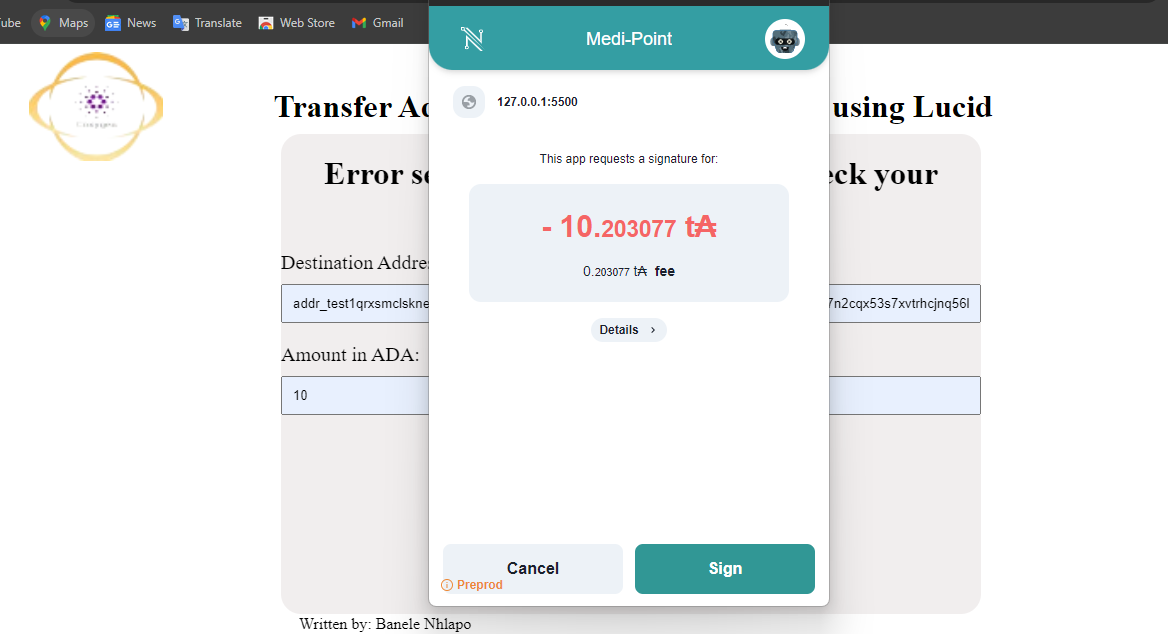
Thats how to make a transaction using Lucid.
source code
Written by: Banele Nhlapo
email address: nhlapob78@gmail.com